
CapCut
CapCut for Android is ByteDance's free mobile video editor for cutting clips, adding music, text and effects, and exporting short videos.
301.5 MB

2.19.0 · VN, LLC · Page updated
VN – Video Editor is a free Android app from VN, LLC for editing videos on a phone: cut and join clips, add music, titles and transitions.
Average 0.0 · ratings: 0
Thank you! Your rating is saved; you can change it. Could not save the rating. Please try again later. Too many ratings from your network today. Please try again tomorrow. The average appears after 5 ratings.
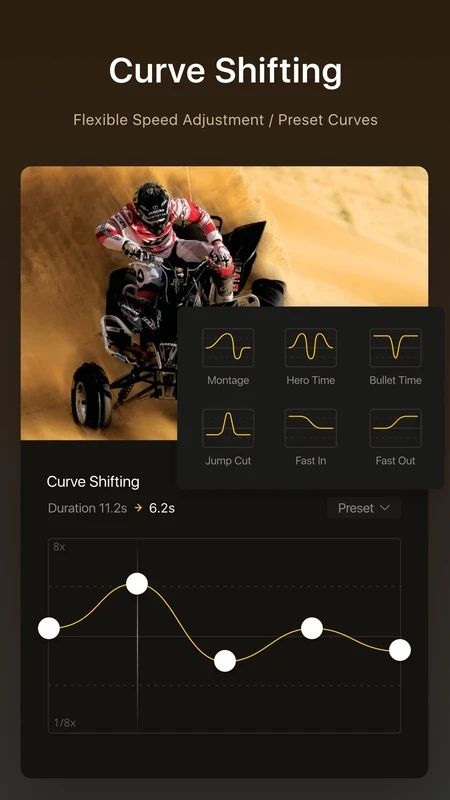
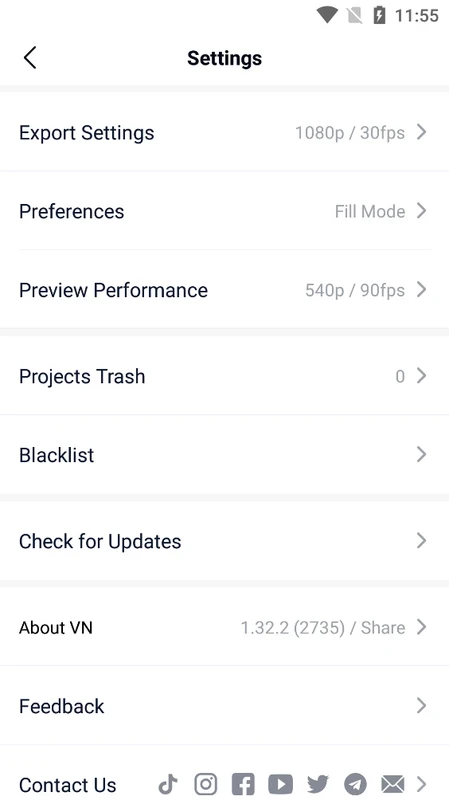
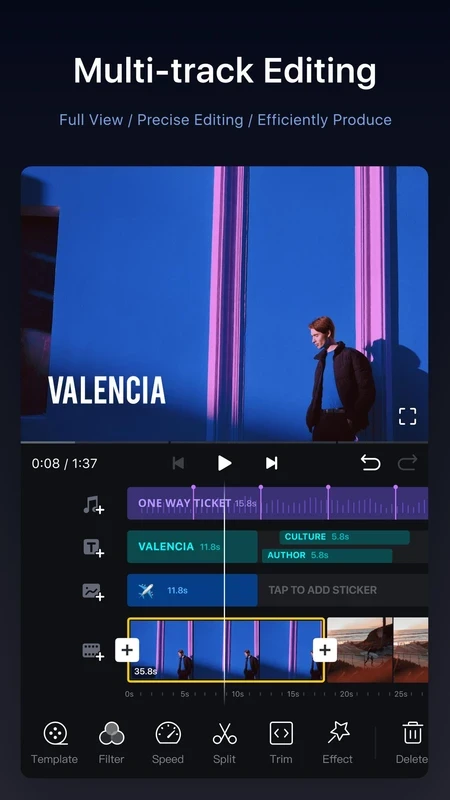
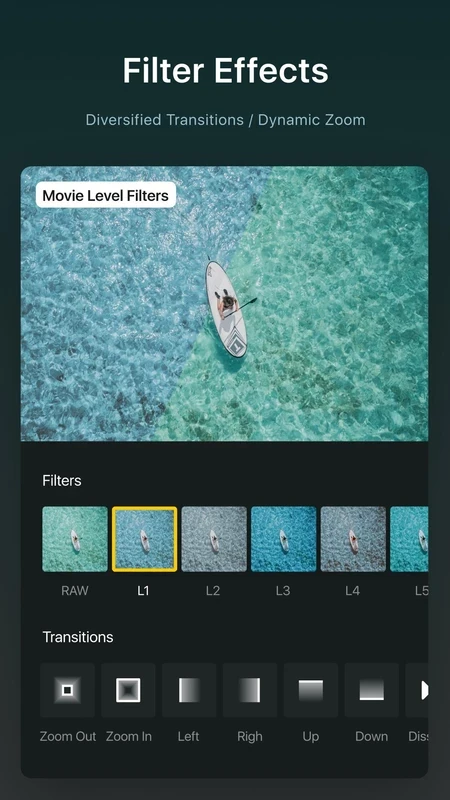
VN – Video Editor 2.19.0 is a free Android app from VN, LLC for editing videos directly on your phone. Download VN from Google Play if you want to cut clips, add music, text and transitions and export a finished video for social networks without a computer.
VN sits between simple trimming tools and full desktop editors. It suits people who shoot on a phone and want more control than the built-in gallery editor offers: vloggers preparing short videos for Instagram, TikTok or YouTube Shorts, small businesses making product clips, students putting together a project, and anyone who wants to turn holiday footage into a watchable story. The editor uses a timeline with several layers, so you can place a clip, a music track, a voice-over and a title on separate tracks and move them independently. That makes it a good step up for users who have outgrown one-tap templates but do not want to learn professional software. If you only need to trim one clip or add a filter, VN is more than you need; if you edit long films with colour grading and many camera angles, a desktop editor is a better tool.
VN runs on Android phones and tablets. The installer is large, about 416.21 MB according to catalogue data, and projects with high-resolution footage need plenty of free storage and a reasonably fast device. On older phones, export can take a long time and previews may stutter.
Install VN only from Google Play, where updates come from the developer. Modified copies with unlocked features circulate on third-party sites, and they are a common way to get malware on a phone. The app is free to use; some extra effects and assets may be offered as in-app purchases, so check what is included before paying.
Other Android video editors on our site include CapCut, InShot, YouCut and Alight Motion for motion graphics. For recording the screen before editing, AZ Screen Recorder is an option.
CapCut for Android is ByteDance's free mobile video editor for cutting clips, adding music, text and effects, and exporting short videos.

YouTube for Android is Google's app for watching, uploading and live-streaming video. Version 21.38.130 is the current release listed here.

InShot is a video editor for Android phones used to trim, combine and prepare clips for social networks.

DU Recorder is a free Android screen recorder for capturing gameplay, tutorials and video calls, with basic editing of the recorded clips.

Wink is an Android video editing app from Meitu that uses AI to improve video quality, retouch faces and apply effects to clips.

TikTok is a free short-video app for Android from TikTok Pte. Ltd. Version 46.9.42 is the latest Android build.

TikTok Lite is the official lighter version of TikTok for Android, designed to save data and suit phones with limited storage.